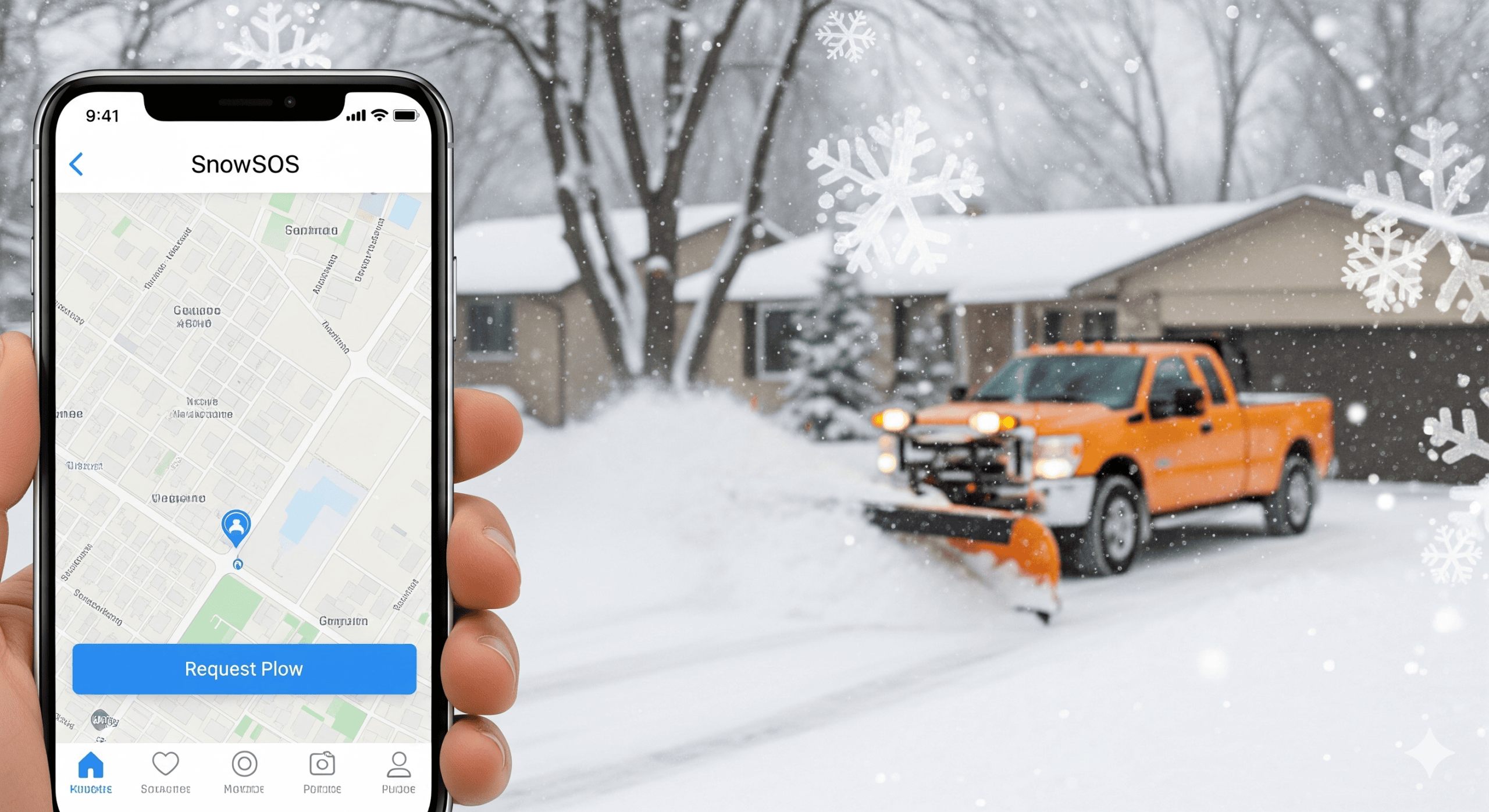
To everyone who told me, "Someone needs to make it easier to find a plow guy"... I finally did it! 🚜 After months of tweaking, the SnowSOS prototype is live and ready for testing. No seasonal contracts, no frantic phone calls—just neighbor helping neighbor. Whether you need a pro driver or the "kid next door" to shovel the walk, it's all here. I need my Minnesota friends to help me test this out during the next snowfall. Click the link in my bio to try the prototype! #SnowSOS #MNRealEstate #WinterTech #BetaLaunch
Version 2.0
Major Update! Introducing Role-Based Features, Google Sign-In, and Live Maps
We are thrilled to announce a substantial overhaul of the SnowSOS platform, focused entirely on enhancing security, streamlining workflows, and improving the efficiency of connecting homeowners and plow drivers across Central Minnesota.
The new features are live today. Here’s a detailed breakdown of what’s new and what you need to know when you sign in:
1. Enhanced Security & Role-Based Access (Mandatory)
To ensure a safer and more organized experience, every user is now required to declare their primary function upon their first login.
Google Sign-In is Now Required
We have retired the old anonymous login methods in favor of secure Google Authentication. This standard practice enhances the integrity of the platform and simplifies your access.
Define Your Role: Homeowner vs. Driver
Upon signing in for the first time, you will be prompted to select one of two permanent roles:
| Role | Menu Access | Key Features |
| 🏡 Homeowner | Request Form is visible. | Post Jobs and Manage Your Requests (Edit/Delete pending jobs). Access the new Rating System to review completed driver performance. |
| 🚜 Plow Driver | Request Form is hidden. | Browse All Pending Jobs and instantly Confirm or Cancel a job. Access your new Driver Profile to track ratings and history. |
2. Real-Time Mapping and Location Tools
We have upgraded our mapping infrastructure to use Google Maps, providing superior address accuracy, navigation, and distance calculations.
- Geocoding & Accuracy: All posted job addresses are now accurately geocoded, ensuring precise marker placement on the map.
- Distance Calculation: When viewing a job on the map, you can use the “Find Me” button to pinpoint your current location. The system will then calculate and display the estimated travel time and distance from your location to the job site, giving drivers immediate decision-making power.
- Targeted Filtering: You can now instantly filter the map and the job list by the Area Selector (e.g., “Annandale”) and by Service Type (Driveway, Salting, etc.) to quickly find relevant work or requests.
3. Improved Job Management and Driver Profiles
Fix for Posting Hang & Photo Upload
We’ve resolved the previous issue where posting a request sometimes appeared to “hang.” The app now features robust error handling and confirmation, along with fully functional Cloud Storage integration for reliably uploading job site photos.
Driver Rating System (New!)
Drivers can now build a professional profile:
- Driver Profile: Drivers have a dedicated profile showing their average rating and job history.
- Homeowner Feedback: Once a job is marked as “Completed” by the driver, the homeowner who posted the request will see a prompt to Rate the Driver (1-5 stars), contributing to their overall performance score visible to the entire community.
We believe these updates mark a significant step forward in making SnowSOS the definitive platform for winter services!